Potato Stamp guide & tips
About this game
Carve a slice of sweet potato with carving tools to make a stamp, then print it on a postcard. You start by slicing a whole sweet potato with a kitchen knife.
There is a pencil outline on the cut surface. Carve around the outline, leaving just the shape. When you stamp it, your print is scored on how closely it matches the model: “Match.”
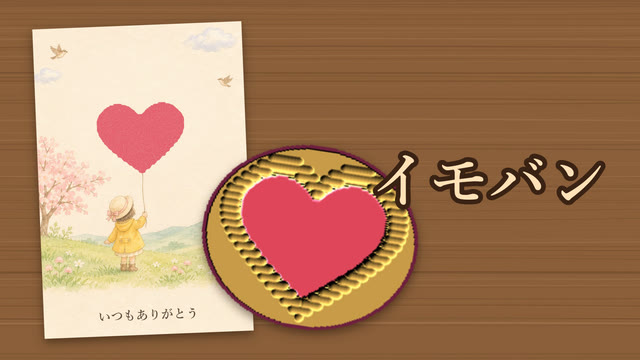
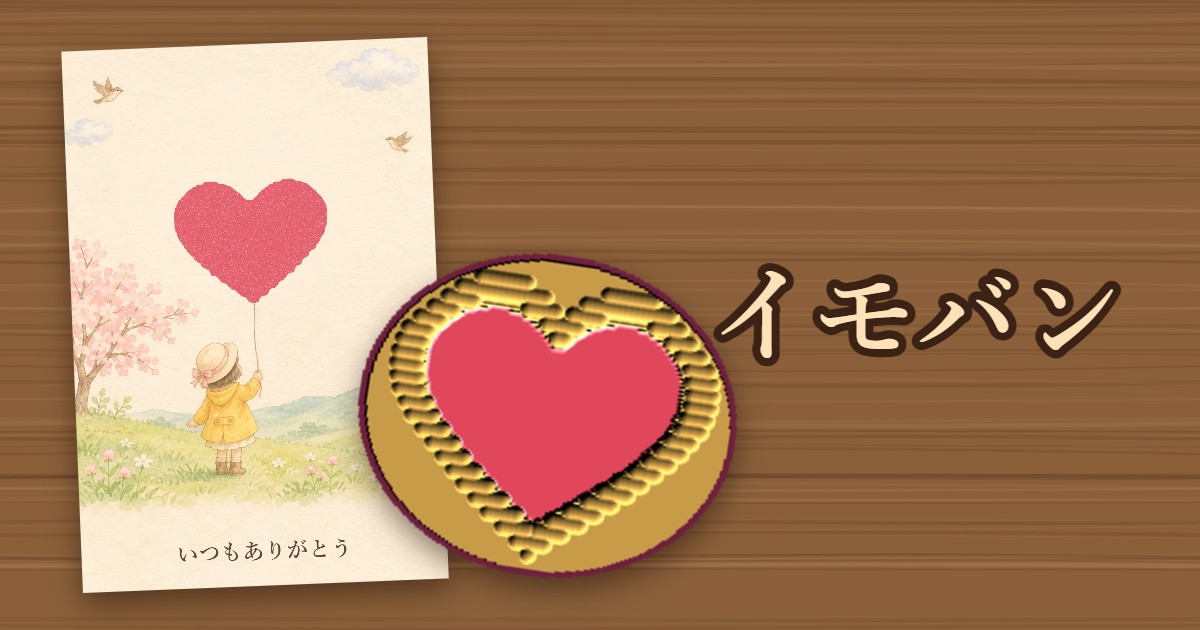
Each postcard has a picture that your stamp completes. On the postcard with a girl holding a balloon, your heart stamp becomes the balloon.
- About 1–3 minutes per round
- Trace with your finger or mouse to carve
- Free, no sign-up. Play on a phone or computer
How to play
- Choose a shape to carve. There are 15 in all, five each at ★1, ★2 and ★3.
- After the slicing scene, an outline appears on the cut surface. Tap the screen to skip the scene.
- Choose a tool at the bottom and trace around the outline to carve.
- Carved crumbs pile up on the cut surface. Press “Tap off” to knock the potato against the desk and clear them.
- Press “Stamp” to ink the stamp and print it on a postcard.
Tools
- V-gouge: carves fine lines. Use it right next to the outline.
- U-gouge: a medium-width tool.
- Flat chisel: makes broad, shallow cuts. Use it to clear the outside quickly.
Even the slightest cut will not print on the paper. Only the parts you leave uncarved pick up ink.
Scoring and titles
Match depends on how well you preserve the inside of the model's shape and how cleanly you carve away the outside. Stamping without carving gives you “A Potato Slice”; carving everything away gives you “Nothing Printed.”
There are seven titles: Potato Stamp Deity (95% or higher), Pro Stamp Carver (85% or higher), Art Class: A, Art Class: C, Some Kind of Pattern, Avant-Garde and Just a Potato. If the print comes out reversed, you get “Mirror-World Stamp.”
Tips
- Start by roughly clearing the outside with the Flat chisel. Use the U-gouge near the outline and the V-gouge right next to the line.
- Carving inside the outline makes the printed shape thinner. Carving just outside the line is about right.
- Use “Tap off” before stamping. If crumbs remain, they pick up ink too and leave specks on the paper.
- For the character designs (★3), carefully carve the gaps inside each character with the V-gouge.
Common questions
- Q. The outline is reversed.
- A. That's correct. A stamp prints in reverse, so carving along the outline makes the print face the right way.
- Q. Can I undo a cut?
- A. No, just like a real potato stamp. Choose “Again” on the results screen to start over with a new potato.
- Q. Is my postcard saved?
- A. No. To keep it, share it on X from the results screen or take a screenshot.
Guides to my other games
- How to play Karesansui
- How to play Abyss Gaze
- How to use One Sheep
- How to play Hexa Drop
- How to play Chez Weeds
- How to play Glassblow
- How to play Hiragana Tower
- How to play Soft Serve Challenge
- How to play Rokuro
- How to play Kitsune Den
- How to play Dig It!
For help or bugs, see the Contact page.
Updated: