Karesansui (カレサンスイ) guide & tips
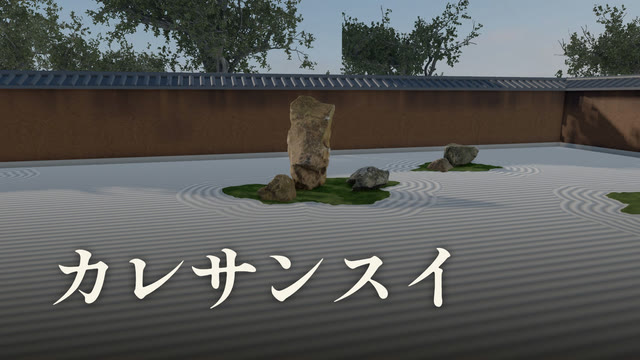
About this game
Set stones on white sand, plant moss and rake patterns into the sand. It's a game where you build your own karesansui, a Japanese Zen rock garden.
Press “View” to see the garden from eye level, sitting in a tatami room. You can step out to the edge of the veranda or back into the room to find the angle you like. Switch to “Walk around” to circle the garden and look down on it.
Your garden gets a name based on how many stones it has and how they're grouped. You can also start from the Ryoan-ji rock garden or Totekiko, a tiny courtyard garden at Ryogen-in. There's no scoring.
Play in a browser on your phone or computer. No download or sign-up needed.
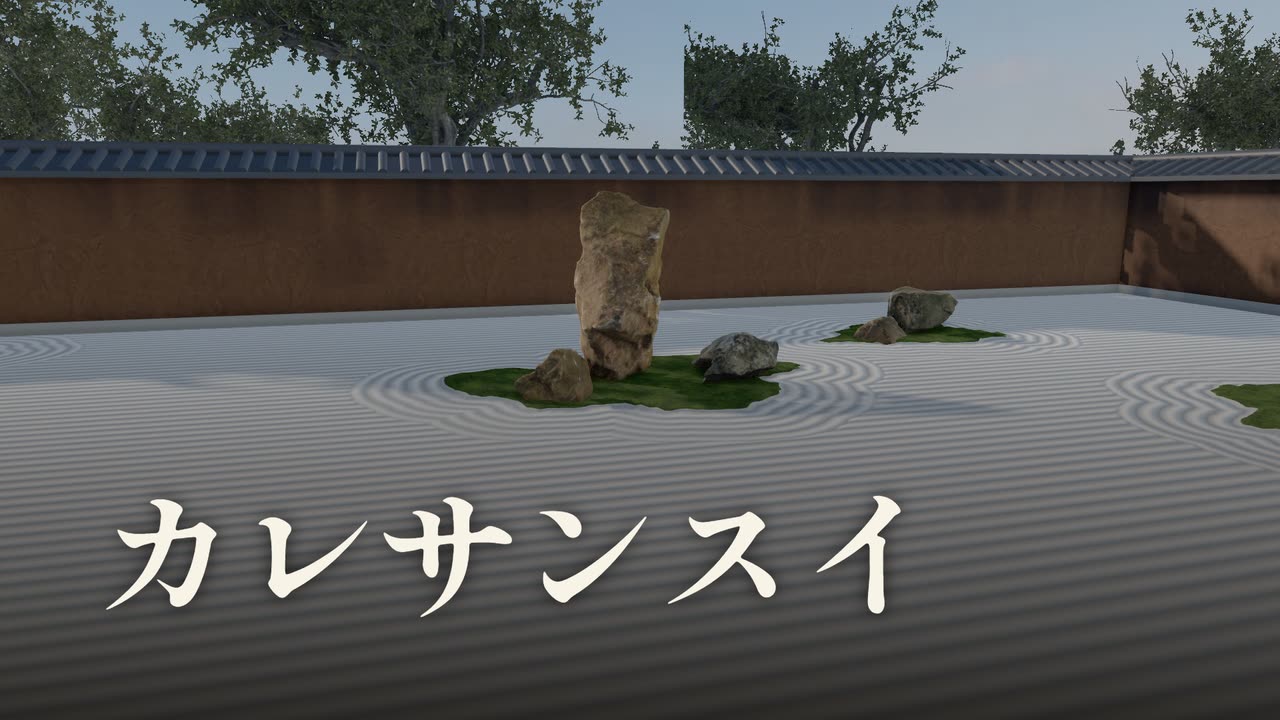
Stones on moss islands, with rings raked around them
How to play
- Pick a size
Choose “Small” (10×5 m), “Medium” (16×7 m) or “Large” (25×10 m). Press “Ryoan-ji” or “Totekiko” to start from a famous garden with stones and patterns already in place. - Set stones
Choose the “Stone” tool at the bottom, pick a stone from the list and tap the sand to set it. There are 13 kinds of stone. Each tap on empty sand sets another one. - Move and shape stones
Tap a stone to select it and drag to move it. Buttons appear above it so you can turn it, stand it up or lay it down, or remove it. Press “Done” when you're finished. Drag the round handle on the edge of the ring around the stone to change its size and direction. With a stone selected, tap a different stone in the list to swap its kind. - Paint moss and ponds
Choose “Moss” or “Pond” and paint. “Brush” paints where you trace, “Lasso” fills the inside of what you circle, and “Box” fills a rectangle you drag corner to corner. “Erase” removes paint, and “Size” changes the brush width. - Rake the sand
With the “Rake,” “Free rake” draws lines where you trace. “Rings around stones” draws rings around a stone or moss when you tap near it. “Pattern” covers the whole garden: “Lines,” “Lines ↕,” “Waves,” “Checker” or “Smooth.” - View it
Press “View” when you're done. In “From the room,” drag to look around, use the arrows to move forward, back, left and right, and pinch to zoom. On a computer, the arrow keys and mouse wheel work too. Press “Share” to turn what you're looking at into an image. “Back to garden” takes you back to editing.
Garden names
When you press “View,” the garden gets a name. It depends on the number of stones and on the groups of stones set close together. Groups are counted from left to right.
| Garden | Name |
|---|---|
| No stones | Garden of Nothing (Pond Garden if there's only a pond) |
| Groups of 5, 2, 3, 2, 3 from left | Tiger Cubs Crossing |
| Groups of 7, 5, 3 | Seven-Five-Three Garden |
| Three stones in one group | Triad Stone Garden |
| Has a pond | Garden of N Stones and a Pond (e.g. Garden of 5 Stones and a Pond) |
| Anything else | Garden of N Stones (e.g. Garden of 12 Stones) |
5, 2, 3, 2, 3 is how the stones are arranged at Ryoan-ji. Its 15 stones are split into five groups, so viewing the Ryoan-ji garden as it is gives you “Tiger Cubs Crossing.” Stones set far apart count as separate groups.
Tips
- ★ Straight lines first, rings after
- The sand at Ryoan-ji is made of straight lines and rings around the stones. In the real garden, the straight lines come first and the rings are raked afterward. In the game, too, rake straight lines over the whole garden with “Pattern,” then use “Rings around stones.” The rings stay even if you redo the whole pattern later.
- ★ Pick one big stone, then gather smaller ones
- Set a big stone first and gather smaller stones around it, and they read as one group. Use “Stand” to set a stone upright and it becomes a stone that stands out in the garden.
- ★ Lay moss at the base of the stones
- Paint “Moss” under a group of stones to make a moss island like the ones at Ryoan-ji.
- ★ Use “Box” for a checker pattern
- Paint moss with “Box” to make a checkered garden like the north garden at Tofuku-ji.
- ★ Step back in the room, then to the side
- Move to the back of the room and shift a little to the side, and you'll find angles where a stone in front hides one behind it.
Common questions
- Q. Are the Ryoan-ji stone positions accurate?
- A. They're estimates read from photos and plans, not measured positions.
- Q. I can't select a stone.
- A. Check that the tool at the bottom is set to “Stone.” With other tools, tapping a stone doesn't select it.
- Q. What if I make a mistake?
- A. Press “Undo” at the top left to go back one step.
- Q. Is my garden saved?
- A. No. If you like a garden, use “Share” to keep it as an image.
Guides to my other games
- How to play Potato Stamp
- How to play Abyss Gaze
- How to use One Sheep
- How to play Hexa Drop
- How to play Chez Weeds
- How to play Glassblow
- How to play Hiragana Tower
- How to play Soft Serve Challenge
- How to play Rokuro
- How to play Kitsune Den
- How to play Dig It!
For help or bugs, see the Contact page.
Updated: