One Sheep: How to Use and Tips
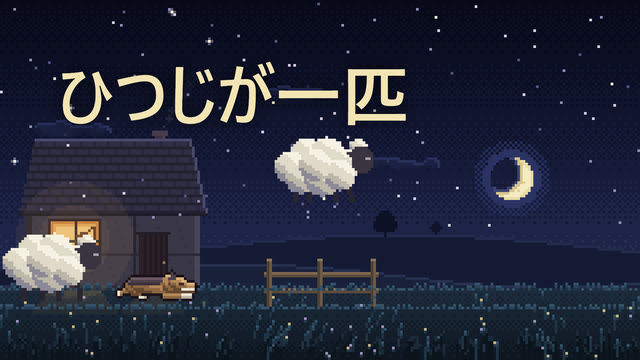
About this sleep aid
A sleep aid for sleepless nights. Count sheep and drift off. On a meadow at night, sheep jump a fence one by one. Tap the screen while a sheep is in the air and it counts as one.
When you get sleepy, stop counting and close your eyes. If you stop tapping for a while, the sleep aid decides you've drifted off, and the screen and music slowly fade out. Open the page again in the morning to see how many sheep you counted and how long it took you to fall asleep.
Free to use in your phone or computer browser. No download or sign-up needed.
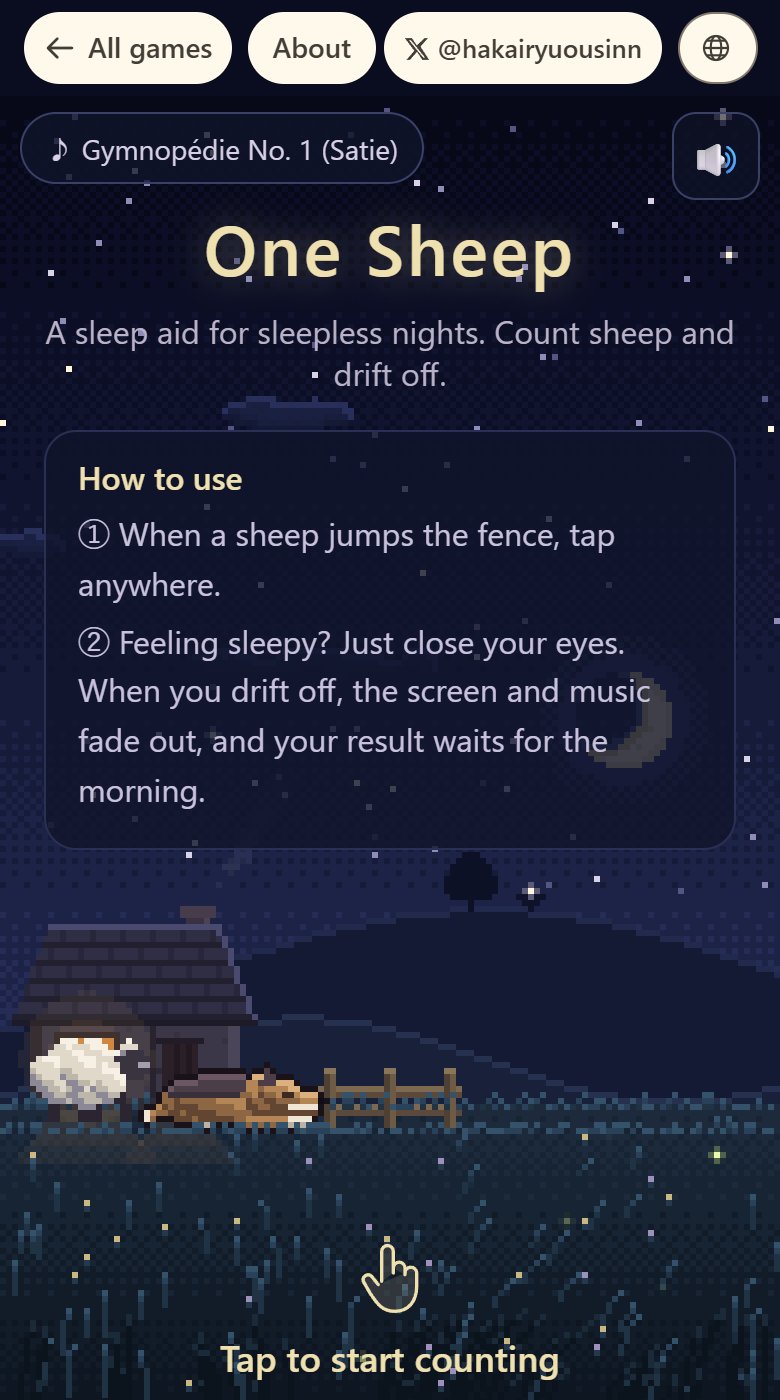
Title and how to use 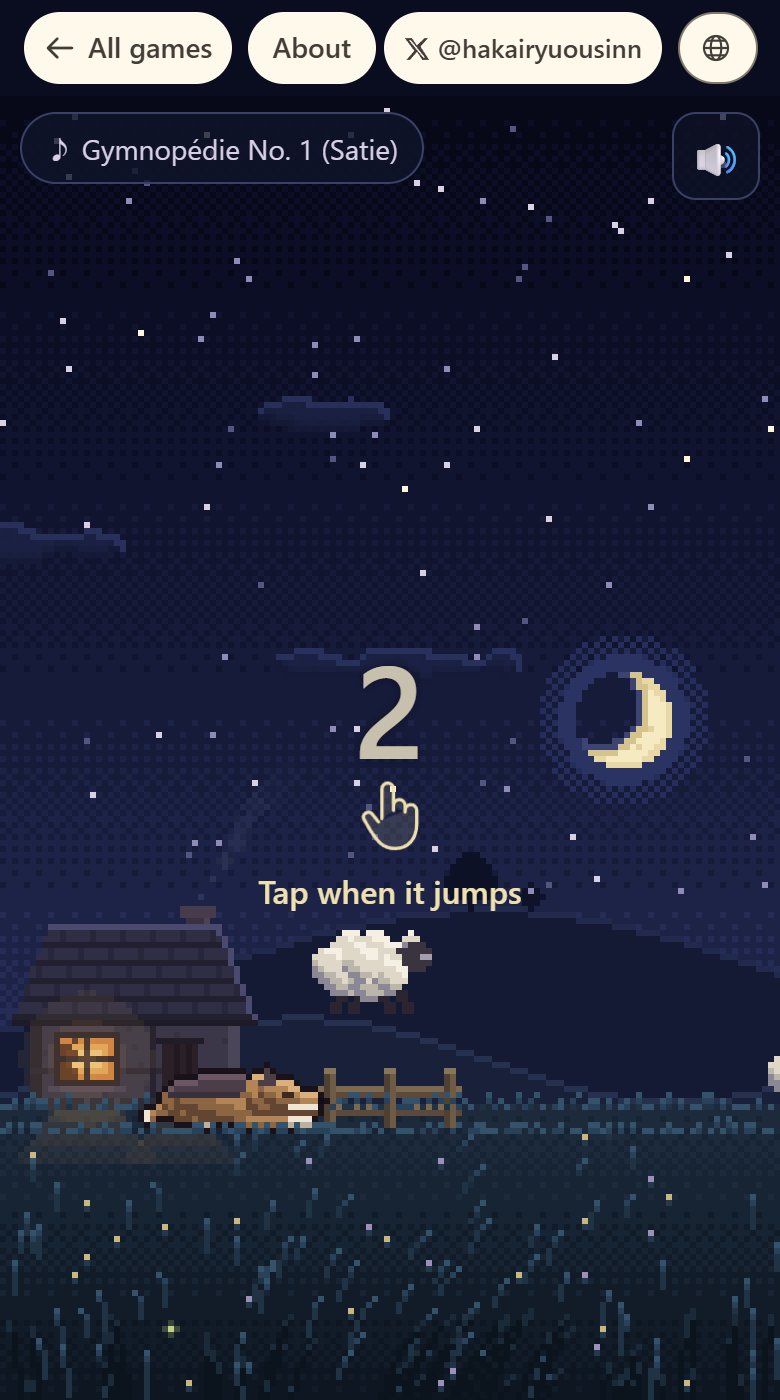
Counting sheep 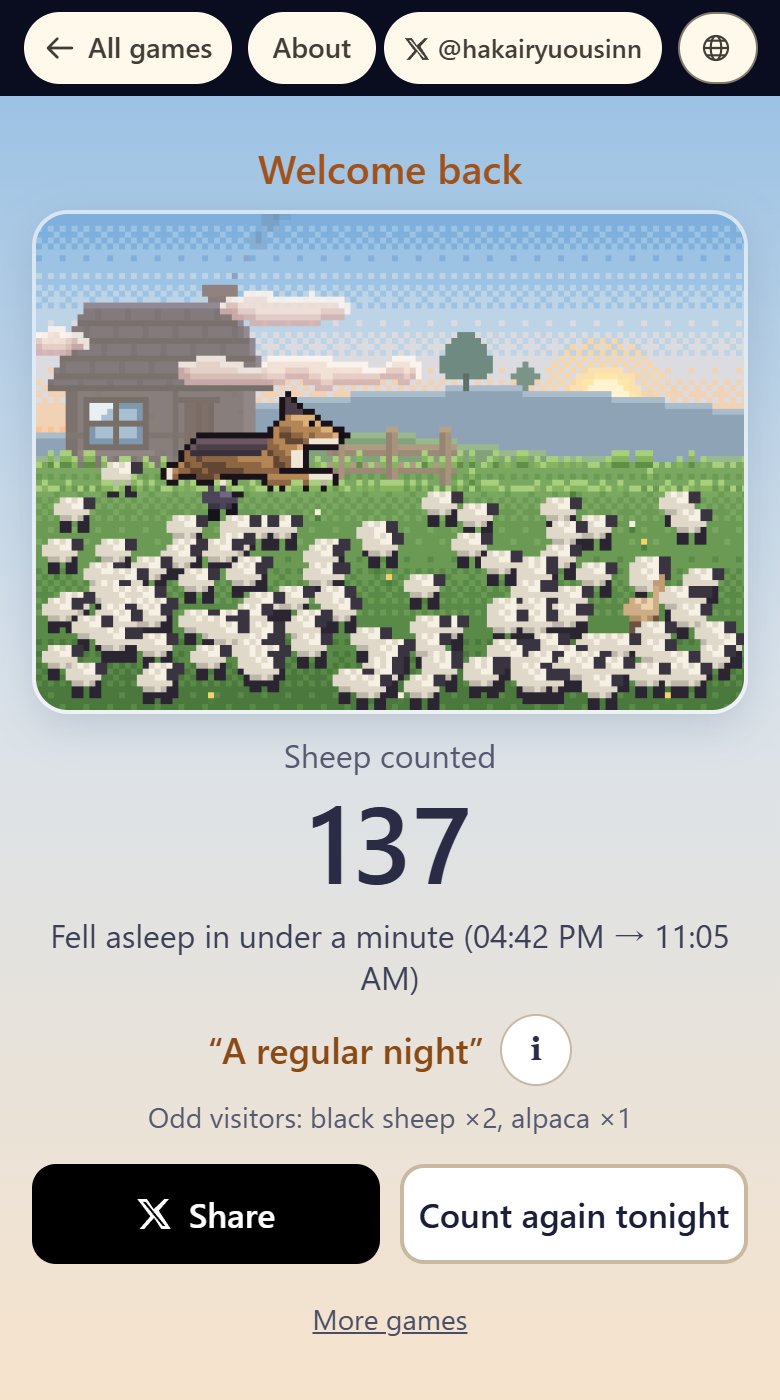
Morning results
How to use
- Tap the screen and the sheep start walking in. On a computer, you can also start with Space or Enter.
- Tap anywhere on the screen while a sheep is jumping the fence. The count goes up by one for each sheep. Tapping when no sheep is jumping does not add to the count.
- After 1 minute without a tap, the number fades and “Good night…” appears. Tap now to keep counting where you left off.
- After a minute and a half without a tap, you're asleep. The screen fades over 30 seconds and the music over 1 minute.
- When you wake up, tap the screen or open the page again. You'll see a picture of your flock and your title for the night. Choose “Count again tonight” to start again.
How results work
When the sleep aid decides you're asleep
| Time without tapping | What happens |
|---|---|
| 1 minute | The number fades and “Good night…” appears. The music keeps playing |
| 1½ minutes | You're asleep. The screen fades over 30 seconds and the music over 1 minute |
“Fell asleep in” measures the time from when you started counting to your last tap. The sleep aid keeps the screen on while you count, then stops keeping it on once you're asleep.
Night titles
| Sheep counted | Title |
|---|---|
| 1–20 sheep | Sheep not required |
| 21–60 sheep | An easy night |
| 61–150 sheep | A regular night |
| 151–400 sheep | A stubborn night |
| 401–1,000 sheep | A shepherd's night |
| 1,001+ sheep | Open your own ranch |
Odd visitors
Now and then, other animals jump with the sheep. Count one and it appears in your result under “Odd visitors”.
| Animal | Chance of appearing |
|---|---|
| black sheep | About 6% |
| lamb | About 6% |
| goat | About 2% |
| alpaca | About 1.5% |
Time between sheep
At first, a sheep comes every 4 seconds. Each arrival adds 0.05 seconds to the interval, up to one every 8 seconds. The longer you count, the darker the meadow gets.
Music
There are 8 piano pieces. Tap the song name at the top left to repeat one piece or play them all in order with “All, in order”. The first piece is Gymnopédie No. 1 (Satie).
- Gymnopédie No. 1 (Satie)
- Gymnopédie No. 2 (Satie)
- Gymnopédie No. 3 (Satie)
- Träumerei (Schumann)
- Clair de lune (Debussy)
- Prelude No. 15 “Raindrop” (Chopin)
- Intermezzo Op. 118 No. 2 (Brahms)
- Waltz in B minor, Op. 69 No. 2 (Chopin)
These are old pieces by composers who died long ago. They were played with a piano sound library for this sleep aid. Use the speaker button at the top right to mute the music.
Tips
- ★ Start after getting into bed
- Get ready for bed before you start, so there's nothing left to do once you drift off.
- ★ Turn down the screen brightness
- The screen stays on while you count. Keeping the brightness low is a good idea.
- ★ Don't worry about missing sheep
- Nothing happens if you miss a jump. When you feel sleepy, stop counting and close your eyes.
- ★ Choose a quiet piece
- Gymnopédie and Träumerei are slow pieces. The Waltz and “Raindrop” get a little louder along the way.
FAQ
- Q. Is it OK to close the page in the middle?
- A. Yes. Your count is saved on your phone, and the result shows up next time you open the page.
- Q. I can't hear any music.
- A. Your phone may be in silent mode. Also check that the speaker button at the top right isn't muted.
- Q. Will the screen stay on all night?
- A. No. Once the sleep aid decides you're asleep, it stops keeping the screen on, and your phone's usual sleep setting takes over.
- Q. Can I use it in Japanese or Korean?
- A. Use the globe button at the top of the screen to choose Japanese, English or Korean.
Guides to my other games
- How to play Potato Stamp
- How to play Karesansui
- How to play Abyss Gaze
- How to play Hexa Drop
- How to play Chez Weeds
- How to play Glassblow
- How to play Hiragana Tower
- How to play Soft Serve Challenge
- How to play Rokuro
- How to play Kitsune Den
- How to play Dig It!
For help or bugs, see the Contact page.
Updated: