Dig It! guide & tips
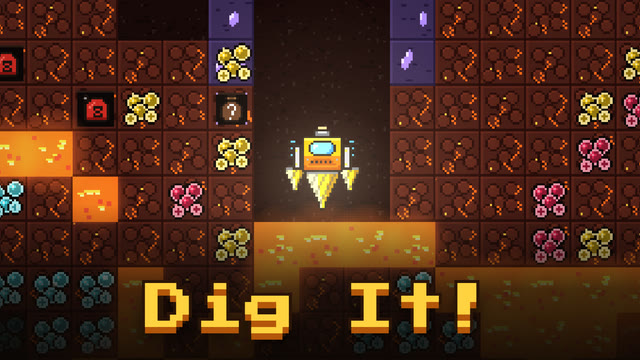
About this game
Drill into a dark planet, bring back ore and treasure, and sell them. Spend the money on a better drill or fuel tank, then go down again. Your goal is the planet's core at 800 m.
Watch your fuel. Every dig uses some, and you need fuel to return to the surface too. Get greedy and dig too far, and you'll be unable to get home, losing half your cargo.
Play in a browser on your phone or computer. No download or sign-up needed.
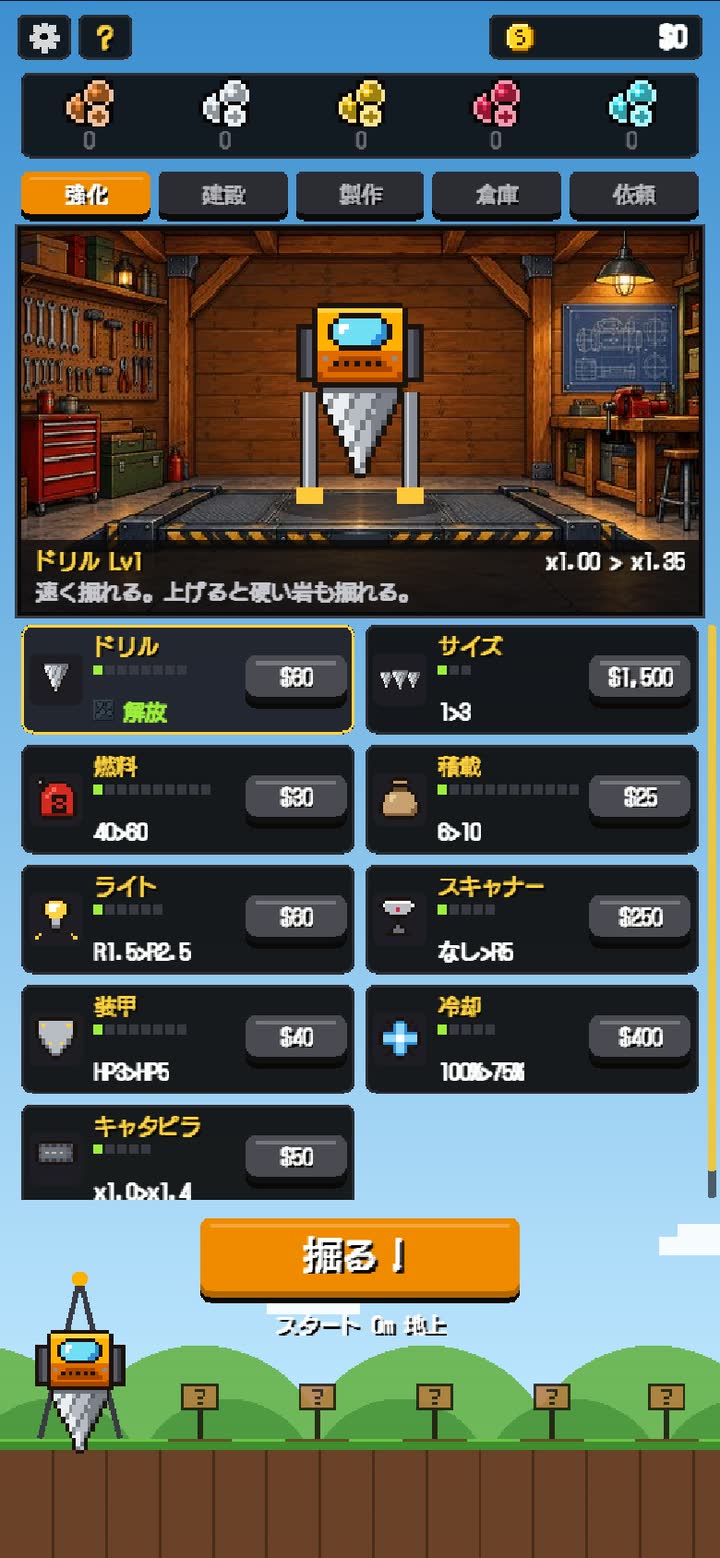
The surface upgrade screen 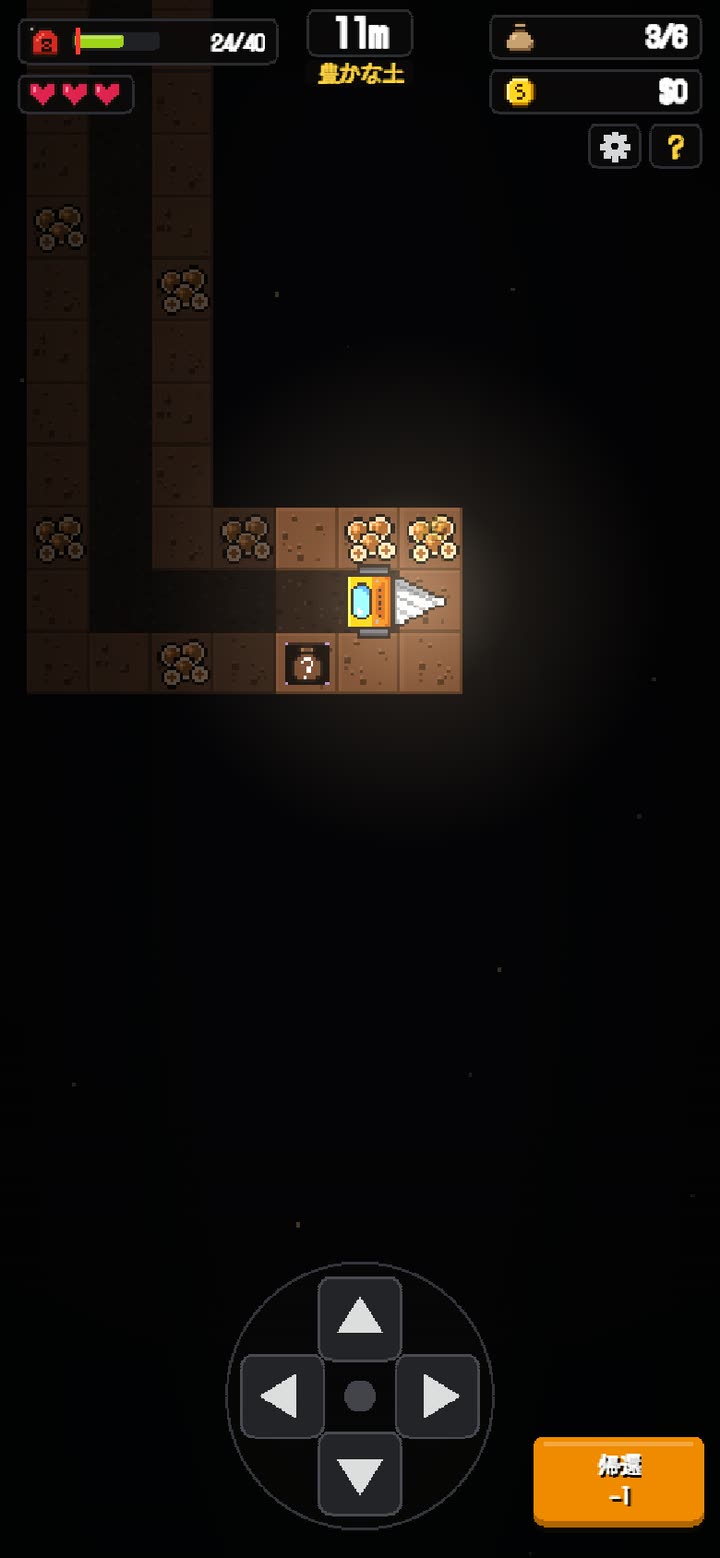
Digging at 11 m 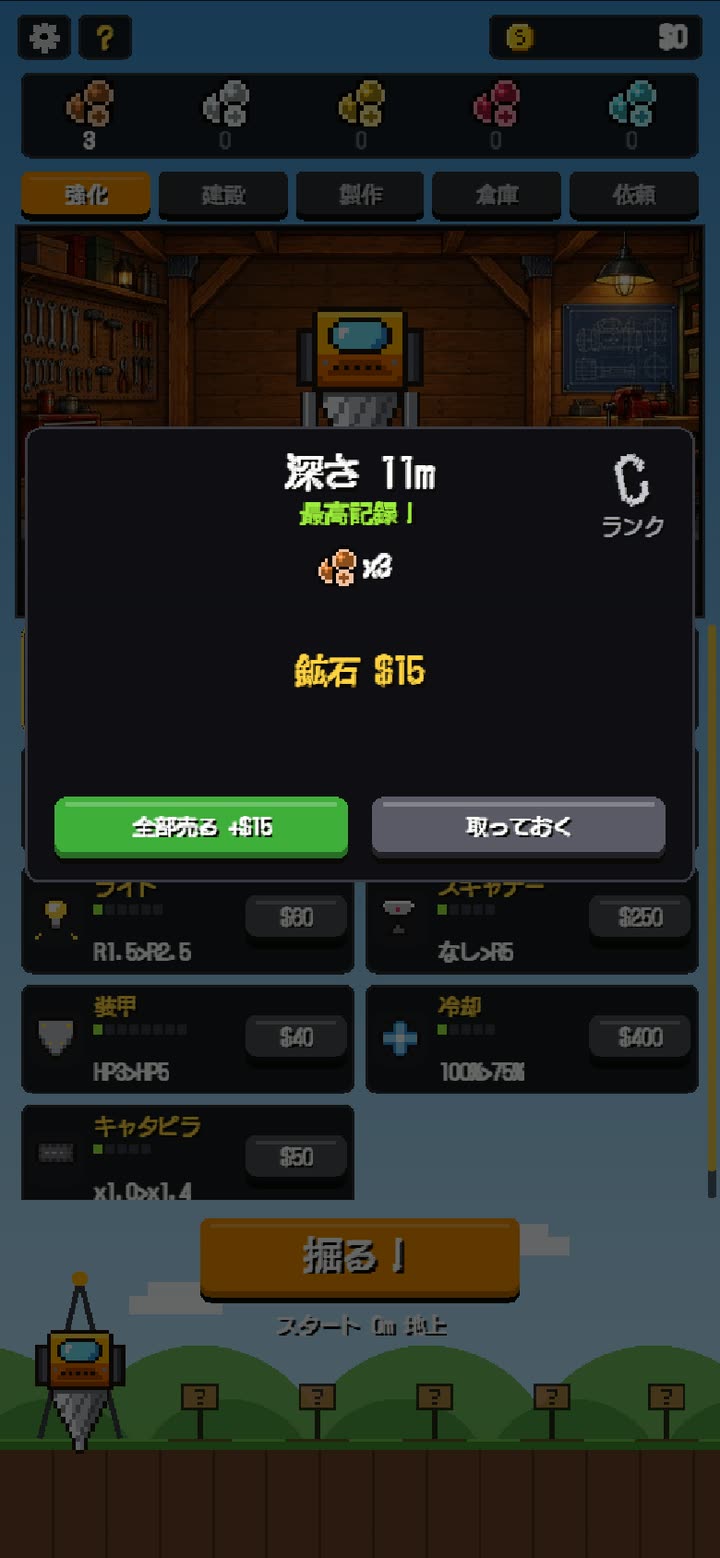
Results after returning
How to play
- Prepare on the surface
On the surface, sell ore and use the upgrade, building and crafting menus to improve your vehicle and base. When you're ready, press the dig button. - Dig
Hold an arrow key or WASD on PC, or the direction pad at the bottom of the screen on a phone, to dig in that direction. On PC, you can also press and hold with the mouse. - Collect
Ore and treasure go into your bag as you dig. Opening a chest lets you choose one of three relic upgrades. They can make you dig faster or enlarge your bag, and last until you return to the surface. - Return
Press the return button to go back to the surface. The trip costs one fuel per 20 m of depth. Without enough fuel, you'll make an emergency return and lose half your cargo. - Sell and upgrade
Treasure is appraised and sold when you return. For ore, choose whether to sell it all or keep it as materials for building and crafting.
Layers and ranks
Each tile is 1 m. The layers are soil from 0 m, stone from 100 m, deep bedrock from 240 m, magma from 400 m, crystal from 600 m and the core at 800 m. Hard rock requires drill upgrades.
Dig 3 m below a layer's entrance to unlock its elevator. Future runs can start there.
| Rank | Condition |
|---|---|
| S | Reach the core, or earn at least 2 times your usual amount |
| A | Earn at least 1.3 times your usual amount |
| B | Earn at least 0.8 times your usual amount |
| C | Earn less than that |
| D | Wrecked (0 HP) |
Your “usual amount” is the average of the previous five runs. Even the same earnings can get a better rank if they're an improvement over those runs.
Tips
- ★ Head back when the return warning appears
- The warning appears when your remaining fuel is no more than 5 above the fuel needed to return. Digging deeper also increases the trip's cost, so turning back here is safer.
- ★ Start with fuel and cargo capacity
- The fuel tank and cargo capacity, or bag size, are cheap to upgrade early on. Raising these first lets you bring back more money per run before spending on the drill.
- ★ Stay away from gas and lava
- Touching gas costs 2 HP. You start with only 3 HP. Staying next to lava builds heat and drains HP. At 0 HP, you lose all cargo from that run.
- ★ Don't sell all your ore
- Buildings such as the workshop and fuel station need ore as well as money. If you're planning a building, keep the ore it needs.
- ★ Aim for the entrance to the next layer
- Digging 3 m below a new layer's entrance opens its elevator. You can start the next run there with full fuel and HP.
Common questions
- Q. Does fuel decrease while I'm standing still?
- A. No. Fuel is used only when digging or returning to the surface. Heat still builds up if you stop next to lava, though.
- Q. Do I lose all progress if I run out of fuel or get wrecked?
- A. No. You lose only cargo from that run; money and upgrades remain. Running out of fuel costs half your cargo, while getting wrecked costs all of it.
- Q. Is the game over when I reach 800 m?
- A. Reaching the core clears that planet. You can move to the next one with your upgrades and money. Ore sells for more there, but gas is more dangerous too.
- Q. Can I continue after closing the page during a run?
- A. Money, upgrades, buildings, stored ore, crafted tools and dug tunnels remain. Your position during a run and the cargo picked up on that run do not.
- Q. I want to start over
- A. Use the reset option in Settings, opened with the gear button, to erase your progress.
Guides to my other games
For help or bugs, see the Contact page.
Updated: